
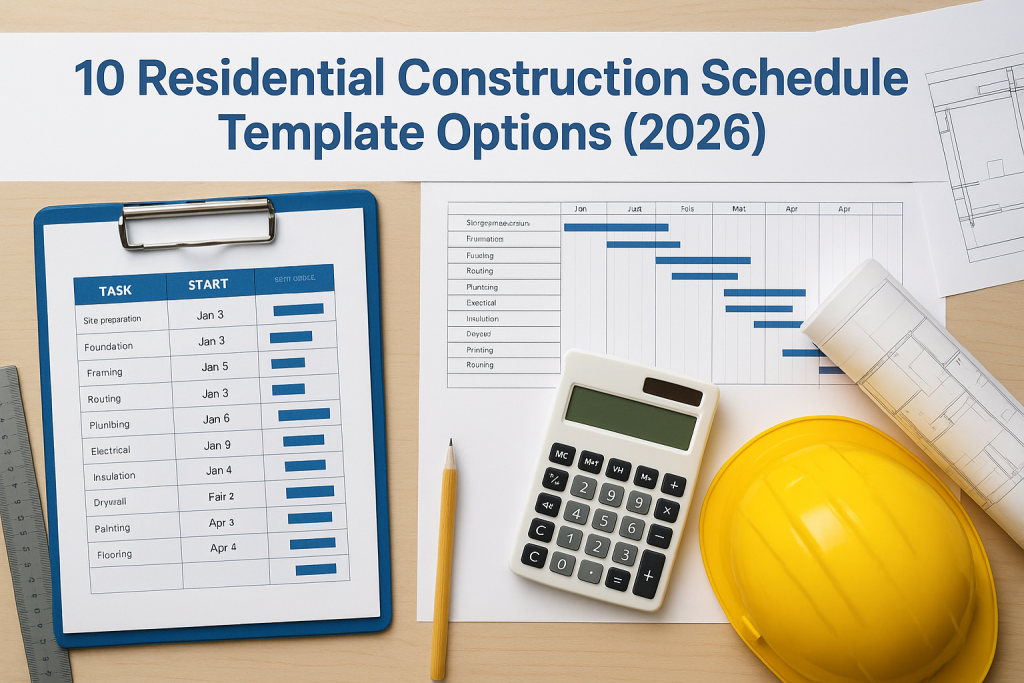
10 Residential Construction Schedule Template Options (2026)
A home build involves hundreds of moving parts, trades, materials, inspections, approvals, and without a clear timeline, things fall apart fast. That’s exactly why having a residential construction schedule template is one of the smartest moves you can make before breaking ground. It gives you a structured framework to track every phase, from site preparation through to handover, so nothing gets missed or delayed unnecessarily. At Transformer Homes, we manage custom builds, renovations, and dual occupancy projects across Melbourne’s Northern and Western suburbs. Coordinating schedules is something we do daily, and we know firsthand how much a well-organised timeline matters to keeping a project on track and on budget. Whether you’re an owner-builder or simply want to understand what your builder should be tracking, a good template gives you that clarity. Below, we’ve pulled together 10 practical residential construction schedule templates for 2026, covering Excel spreadsheets, Gantt charts, and other formats, so you can find one that fits your project and planning style. 1. Builder-provided schedule template The most accessible starting point for most homeowners is the schedule your registered builder puts together at the start of your project. Rather than building a residential construction schedule template from scratch, you receive a pre-structured timeline that already reflects your specific contract, trade sequencing, and site conditions. It’s the most project-ready option on this list. What it is A builder-provided schedule is a project-specific timeline your builder creates based on your signed contract, scope of works, and site conditions. It maps out each construction phase, from site preparation and slab pour through to lock-up, fit-out, and practical completion. The format varies by builder, but most will use either a Gantt-style chart or a milestone list, often delivered as a PDF, Excel file, or through a client-facing project management portal. When it fits best This option suits you best when you’re working with a licensed, experienced builder who has a clear process for communicating timelines to clients. If you’ve signed a major domestic building contract in Victoria, your builder is legally obligated to work to agreed timeframes, so having a formal schedule is not just helpful, it’s expected. It also works well when your priority is oversight rather than hands-on scheduling, meaning you want to understand and monitor progress without building the timeline yourself. Asking your builder for a written schedule before works begin is one of the most effective ways to catch potential delays before they become costly problems. What to include When you review or request a builder-provided schedule, make sure it covers the following key elements: Start and finish dates for each major phase (earthworks, frame, roof, lock-up, fix, completion) Trade sequences showing which subcontractors are booked and when Inspection and approval milestones, including council inspections and certifier sign-offs Material delivery windows for items like frames, windows, and cabinetry Payment stage triggers, which in Victoria typically align with defined construction stages under the Domestic Building Contracts Act Limits to watch for The main limitation here is that you don’t control the format or the detail level. Some builders provide thorough, phase-by-phase breakdowns, while others offer only a high-level milestone list that leaves gaps in your understanding. Another issue is that updates may not come automatically when delays occur, so you’ll need to actively request revised schedules if trades are rescheduled or materials are delayed. Treat the initial schedule as a live document, not a one-time handout. 2. Simple Excel residential build schedule template If you want a practical, no-frills starting point, a simple Excel spreadsheet is one of the most widely used formats for scheduling a residential build. It requires no specialist software knowledge and gives you a clear row-by-row view of your construction tasks, dates, and responsible parties without the complexity of more advanced tools. What it is A simple Excel residential construction schedule template is a flat spreadsheet where each row represents a task or phase, and columns capture the start date, end date, duration, and trade or contractor responsible. Unlike a Gantt chart, it doesn’t visualise timelines graphically. Instead, it works as a structured task list that you can sort, filter, and update as your build progresses. When it fits best This format works best for straightforward builds with a linear sequence of trades, such as a single-storey addition or a new knockdown-rebuild on a clear site. You’ll get the most value from it if you’re comfortable working in Microsoft Excel and want a lightweight tool you can update quickly without learning new software. A simple spreadsheet schedule works best when your build has fewer than 40 distinct tasks and a single primary builder coordinating all trades. What to include Your spreadsheet should capture these core columns for each task: Task name (e.g., slab pour, frame erection, roof tiling) Start date and finish date Duration in working days Responsible trade or subcontractor Status (not started, in progress, complete) Limits to watch for The biggest limitation is that a flat list gives you no visual overview of how tasks overlap or depend on each other. If your build involves concurrent trades working on different parts of the site, you’ll struggle to spot scheduling conflicts before they cause delays on the ground. 3. Excel Gantt chart residential schedule template An Excel Gantt chart takes the flat spreadsheet format one step further by adding a visual timeline alongside your task list. Instead of reading dates in isolation, you can see each phase as a horizontal bar that shows how long it runs and where it sits in relation to other tasks. What it is A Gantt chart residential construction schedule template built in Excel combines a task list on the left with a bar chart on the right. Each bar spans the duration of a task across a calendar, giving you an at-a-glance view of your entire build from start to finish. You can build one manually using conditional formatting, or download pre-built templates directly from Microsoft’s template library. When it fits best This format suits builds with overlapping
