
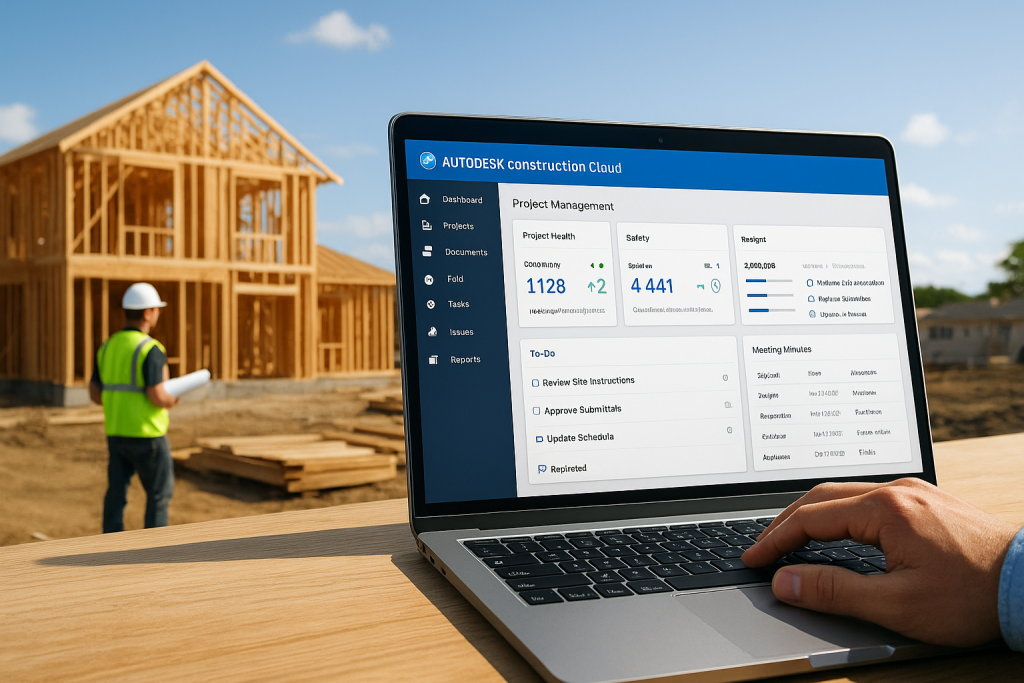
Autodesk Construction Cloud Project Management: Overview
At Transformer Homes, we manage every custom build, renovation, and dual occupancy project across Melbourne’s Northern and Western suburbs with a focus on coordination and clear communication. That commitment extends to the tools we use behind the scenes. Autodesk Construction Cloud project management is one of those tools, a platform built to connect teams, documents, and workflows across the full lifecycle of a construction project. Understanding what it offers matters whether you’re a builder evaluating new software or a homeowner curious about how your project gets managed from design through to handover. So what does the platform actually do? It brings together document control, design coordination, cost management, and field execution into a single connected environment. Rather than juggling separate systems for drawings, RFIs, and scheduling, project teams can work from one source of truth. For residential builders handling multiple trades and tight timelines, like the projects we deliver daily, that kind of integration reduces errors and keeps things moving. This article breaks down the core project management capabilities within Autodesk Construction Cloud, covering its key modules, how they connect, and where the platform fits in real-world construction workflows. By the end, you’ll have a clear picture of what the platform includes, how it supports collaboration, and whether it aligns with the way modern residential construction projects are run. Why Autodesk Construction Cloud matters on jobsites Construction projects fail more often from poor communication and fragmented information than from technical problems on site. When a subcontractor works from an outdated drawing, or a site supervisor cannot locate the approved version of a specification, the result is rework, delays, and blown budgets. On a typical residential project in Melbourne, you might have an architect, a certifier, a structural engineer, a building surveyor, and multiple trade contractors all needing access to the same information at different points in the programme. Without a central system, that information scatters across emails, shared drives, printed plans, and individual text message threads. Autodesk Construction Cloud project management addresses this problem directly by connecting every stakeholder to a single, current set of project data from the first design file through to the final handover document. The cost of disconnected systems Working with disconnected tools carries a genuine financial cost that compounds as a project grows in complexity. For residential builders, the impact shows up in practical problems: a missed RFI response delays a frame inspection, a subcontractor quotes from the wrong plan revision, or a handover package arrives incomplete because documents were stored across too many separate locations. These are not rare events; they happen regularly on complex builds where teams rely on separate systems that do not talk to each other. Each incident adds time and cost that neither you nor your client budgeted for at the start. When every team member works from the same live document set, the risk of version-related errors drops sharply across every trade on site. For your project team, moving from scattered systems to a connected cloud environment reduces the hours spent tracking down information and increases the hours spent building. It also creates a clear, timestamped audit trail, which matters when disputes arise or when a building surveyor requests documentation at an inspection stage. Having that record available instantly, rather than hunting through inboxes, protects your project and your relationships with clients. How real-time visibility changes decisions One of the most practical advantages of the platform is the ability to see project status in real time without waiting for a weekly report to land in your inbox. A site manager can log an issue from the field, attach photos as evidence, assign the item to a subcontractor, and track resolution without leaving the mobile app. A project director sitting away from site can view outstanding RFIs, check budget movement, and review quality inspection results on the same day those events occur. That speed of information moves teams from reactive to proactive, which is where the real savings on a construction project come from. For builders running multiple sites simultaneously, this visibility becomes even more important. You can monitor whether a concrete pour passed its inspection, whether a variation has received written approval, or whether a critical document has been reviewed and accepted, all without making a phone call or waiting on an email reply. The platform gives your team access to accurate, current information regardless of physical location, which is exactly what residential construction across Melbourne’s Northern and Western suburbs demands given how quickly trades rotate between jobs. Why the residential sector specifically benefits Volume builders and project home companies have long had structured systems, but custom residential builders have historically managed with lighter, less connected tools. The gap that creates becomes visible on any job where a client variation triggers a cascade of document updates across drawings, specifications, and trade scopes. A platform that links those updates across modules means your team catches the knock-on effects before they reach the site, not after. That layer of control is what separates a smooth client experience from one filled with surprises. How Autodesk Construction Cloud handles project management Autodesk Construction Cloud project management organises work through a set of connected modules that each serve a distinct phase or function. Rather than treating project management as a single feature, the platform separates it into dedicated tools that link together so information created in one area flows automatically into others. You get a structured environment where every team member operates within the same data set, and nothing gets lost between systems because there is only one system to work within. A layered architecture built for construction The platform sits on a common data environment called the Autodesk Construction Cloud platform layer, which underpins every product within the suite. This layer handles authentication, file storage, and data sharing so that products like Autodesk Build, Autodesk Takeoff, and BIM Collaborate all pull from and push to the same underlying project record. When you update a document in one product, that update is immediately
