
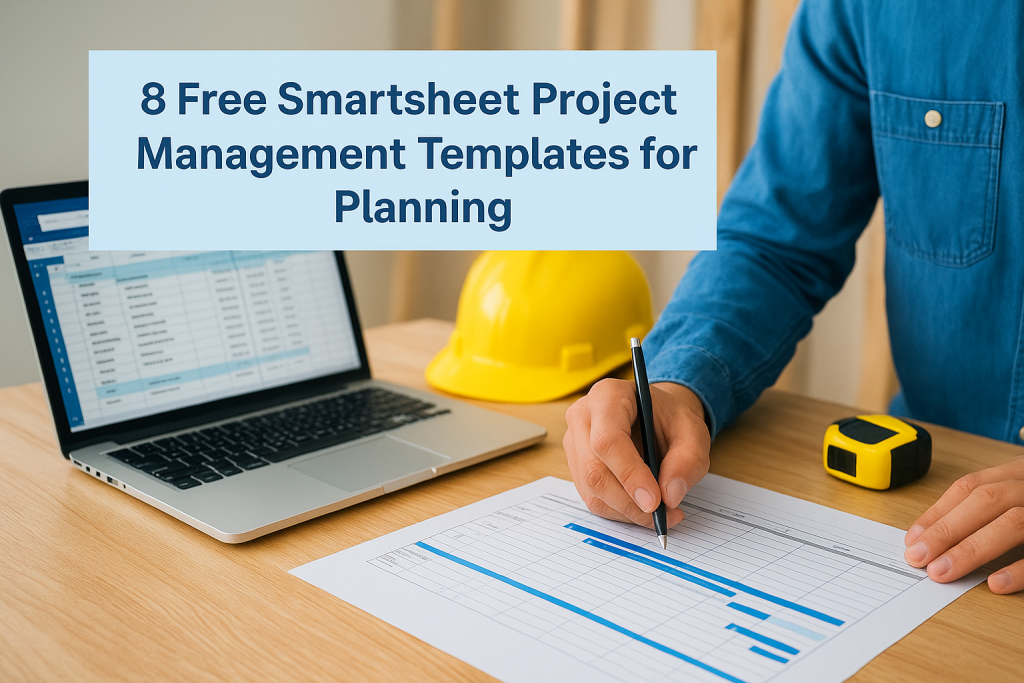
8 Free Smartsheet Project Management Templates for Planning
Running a home build or renovation without a solid plan is a recipe for blown budgets and missed deadlines. At Transformer Homes, we know firsthand how critical structured project management is, coordinating subcontractors, tracking materials, and keeping clients informed across every stage of construction demands clear, organised systems. That’s exactly where Smartsheet project management templates come in. They give you a ready-made framework to plan, track, and manage complex projects without building everything from scratch. Whether you’re a homeowner mapping out a kitchen renovation or a small-scale developer juggling a dual occupancy build, the right template can save hours of setup time and keep your project on track. Smartsheet’s platform makes it straightforward to customise these templates to suit your specific scope, and many are available for free in formats like Excel, Word, and PDF if you prefer working outside the platform. Below, we’ve rounded up eight of the best free Smartsheet project management templates purpose-built for planning, so you can spend less time on admin and more time making progress. 1. Project management plan template The project management plan template is the foundation of any well-run project. It gives you a single document where you capture your scope, schedule, resources, and responsibilities before a single task kicks off. Smartsheet’s version of this template is structured to guide you through every planning layer, so nothing slips through the gaps early on. What this template includes This template covers the core planning elements you need from day one: project scope, objectives, deliverables, timeline, stakeholder roles, risk register, and communication plan. Each section prompts you to fill in the details that define how your project runs, rather than leaving you to figure out the structure yourself. You get a ready-made framework instead of a blank page. Best for A project management plan template suits mid-to-large projects where multiple stakeholders, trades, or teams need clear alignment before work starts. If you’re managing a home addition, a dual occupancy build, or any project with overlapping responsibilities, this template gives everyone a shared reference point from the first briefing through to practical completion. Key sections to complete first Start with the project scope and objectives before anything else. If the scope isn’t locked down, every other section becomes guesswork. After scope, fill in your key milestones and assign an owner to each deliverable. These three steps alone will surface most of the questions you’d otherwise hit mid-project, when changes are far more costly to absorb. Defining your scope before scheduling prevents the most common source of cost blowouts and timeline drift on residential construction projects. How to customise it for your team Smartsheet lets you add, remove, or rename columns to match your team’s language and workflow. If you’re working with subcontractors, add a "Trade" column next to the owner field so accountability is visible at a glance. You can also adjust the status dropdown values to reflect the stages your team actually uses, rather than generic labels that don’t map to your real process. Common mistakes to avoid The biggest mistake is treating the plan as a one-off document you complete at the start and file away. Your plan should be a live reference that you update as scope shifts, risks change, and timelines move. A second common error is leaving the risk register completely blank because it feels premature at the planning stage. Filling it in early, even with rough estimates, pushes your team to think ahead rather than react under pressure. 2. Integrated project plan with Gantt template The integrated project plan with Gantt template combines a task list with a visual timeline in one sheet, giving you a clear picture of what needs to happen and when. It’s one of the most practical smartsheet project management templates for projects with multiple overlapping phases. What this template includes This template contains a structured task list on the left and an auto-generated Gantt chart on the right. Each row holds your task name, assigned owner, start date, end date, duration, and percentage complete. As you enter dates, the Gantt bars update automatically, keeping your timeline in sync with the underlying data. Best for Teams running multi-phase projects with strict sequencing will get the most from this template. It suits residential construction schedules, home additions, and any project where one task cannot start until another finishes. How the Gantt view stays accurate The Gantt view updates whenever you edit a date or duration in the task list. Avoid adjusting bar lengths manually in the chart view, since the task list data drives everything. Keep your dates current and the chart stays reliable. Gantt accuracy depends entirely on the quality of your date inputs, so update the sheet as soon as any timeline shifts. How to handle dependencies and milestones Use the dependency column to link tasks so a delay in one automatically pushes its successors forward. Mark key delivery points as milestones using the dedicated field so they appear as diamonds on the chart and stand out during reviews. How to customise it for construction and renovations Add a "Trade" column to flag which subcontractor owns each task. Group rows by phase, such as demolition, framing, and fitout, so your Gantt chart reflects the actual site sequence rather than a generic project structure. 3. Project task tracking template The project task tracking template gives you a dedicated space to capture, assign, and monitor every task across your project. Unlike a full project plan, this template focuses purely on execution, so your team always knows what’s active, what’s overdue, and what’s coming up next. What this template includes This template contains a flat task list with columns for task name, owner, priority, status, start date, due date, and notes. It’s built for day-to-day tracking rather than high-level planning, making it one of the most practical smartsheet project management templates for teams that need a quick, reliable view of live work. Best for This template suits fast-moving projects where tasks are added and closed frequently.
